Features
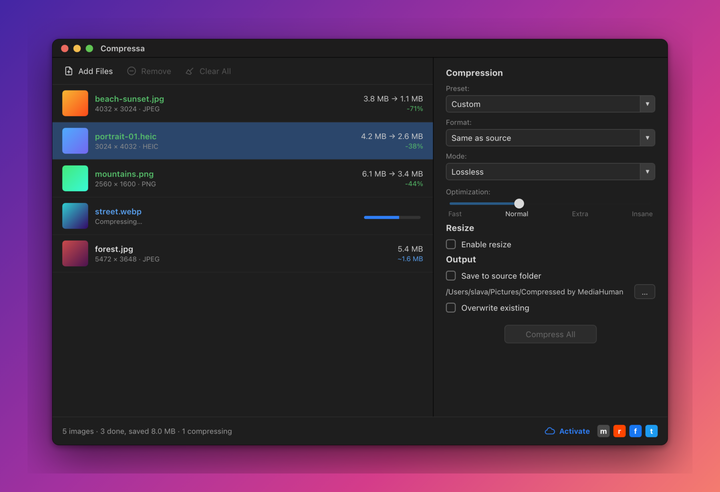
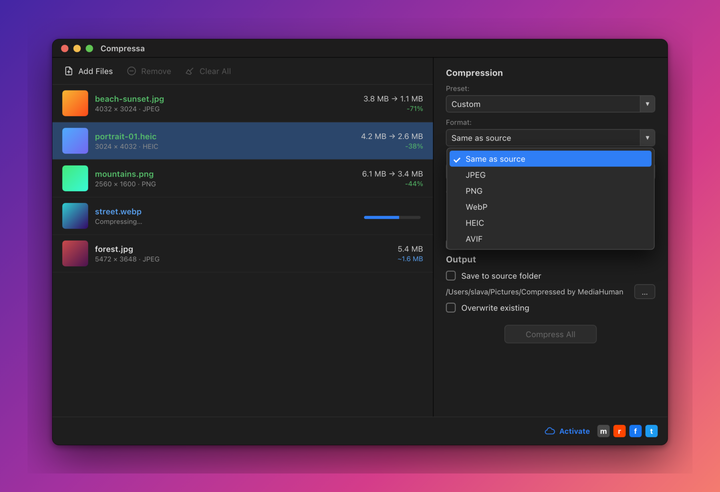
Compress JPEG, PNG, WebP, HEIC and AVIF images and keep them looking right.

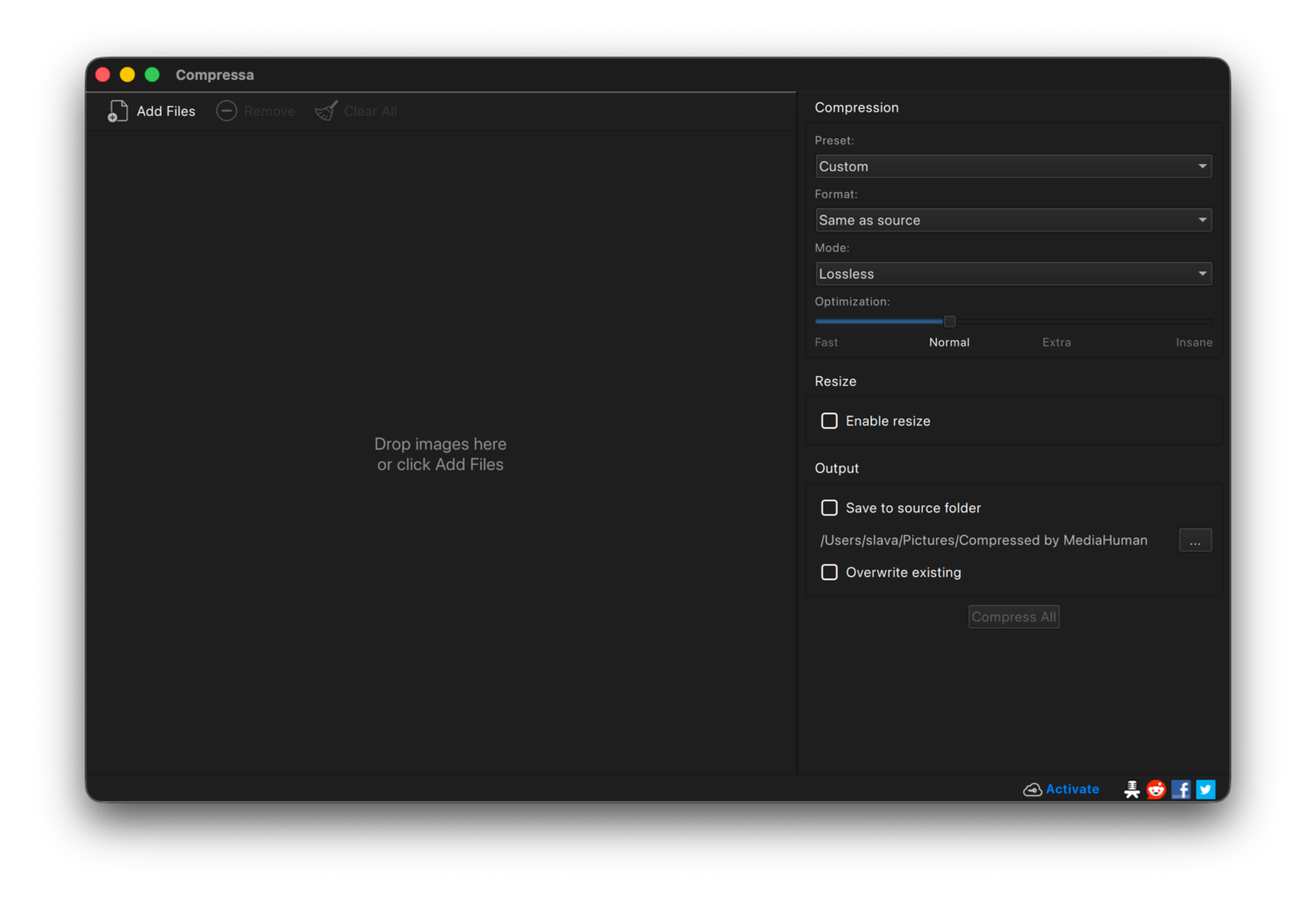
Batch compression
Add hundreds of images or whole folders and compress them in one run. Pick the mode, press Start, and the rest is automatic.

Several ways to compress
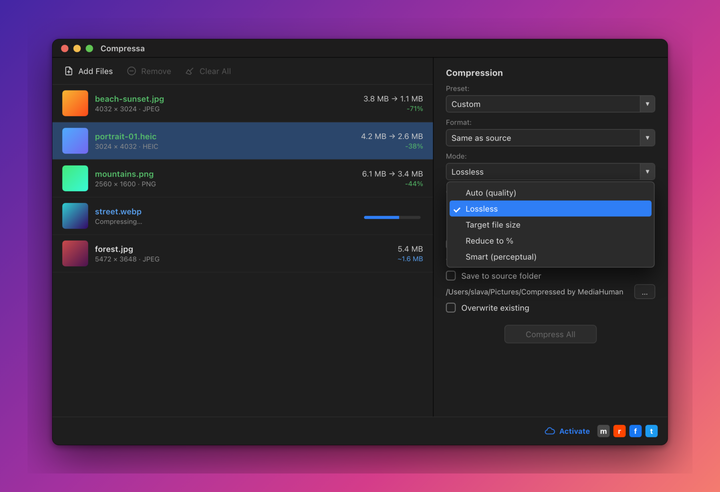
Set a quality level, aim for an exact file size, reduce to a percentage of the original, or let Smart mode pick the best setting for you.

Lossless mode
Make JPEG and PNG files smaller without changing how they look. Not a single pixel is altered, only the way the file is stored.

Smart compression
Smart mode compares each result to the original and stops where the difference stays invisible to the eye. You get the smallest file that still looks the same.

See the result before you save
The live preview shows the original and the compressed version side by side, together with the new file size, so you can judge the trade-off before saving.

Modern formats
Read and write JPEG, PNG, WebP, HEIC and AVIF. Convert an old JPEG to WebP or HEIC to cut the size again, or keep the format and just optimize it.

Resize while compressing
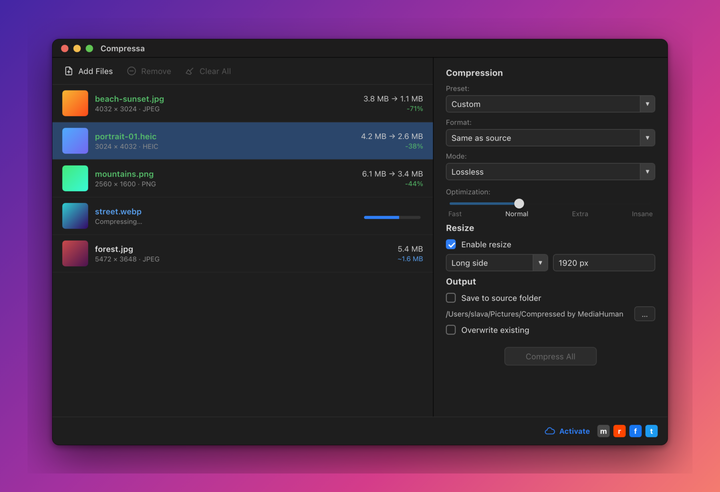
Scale by width, height, the long or short side, or a percentage, all in the same pass. Images are never enlarged.

Watch folders
Point the app at a folder and it compresses new images as they appear. Handy for a screenshots folder or a shared drop folder.

Metadata, your choice
Keep or remove date, camera, GPS and copyright tags separately. Color profiles can be stripped too when you want the leanest possible file.
See it in action